Strata
Explore databases in a desktop workbench with an AI SQL assistant and a local read-only MCP mode.
Project links
How to use it
- Open the release page and choose a build for your operating system.
- Configure your own database connection in Strata.
- Use the SQL workspace or follow the documented stdio MCP workflow in your AI client.
Copy setup details
Use these instructions in your own environment. Copying text here does not run it.
Example MCP configuration
Requires an installed Strata executable on your PATH. Use its absolute path if your client cannot find it.
{
  "mcpServers": {
    "strata": {
      "command": "strata",
      "args": [
        "mcp"
      ]
    }
  }
}Example request
Using Strata MCP, list the available tables and describe the orders table. Suggest a read-only query that totals orders by month. Ask me to confirm the relevant date and amount columns before running the query.
Example results
From the project documentation
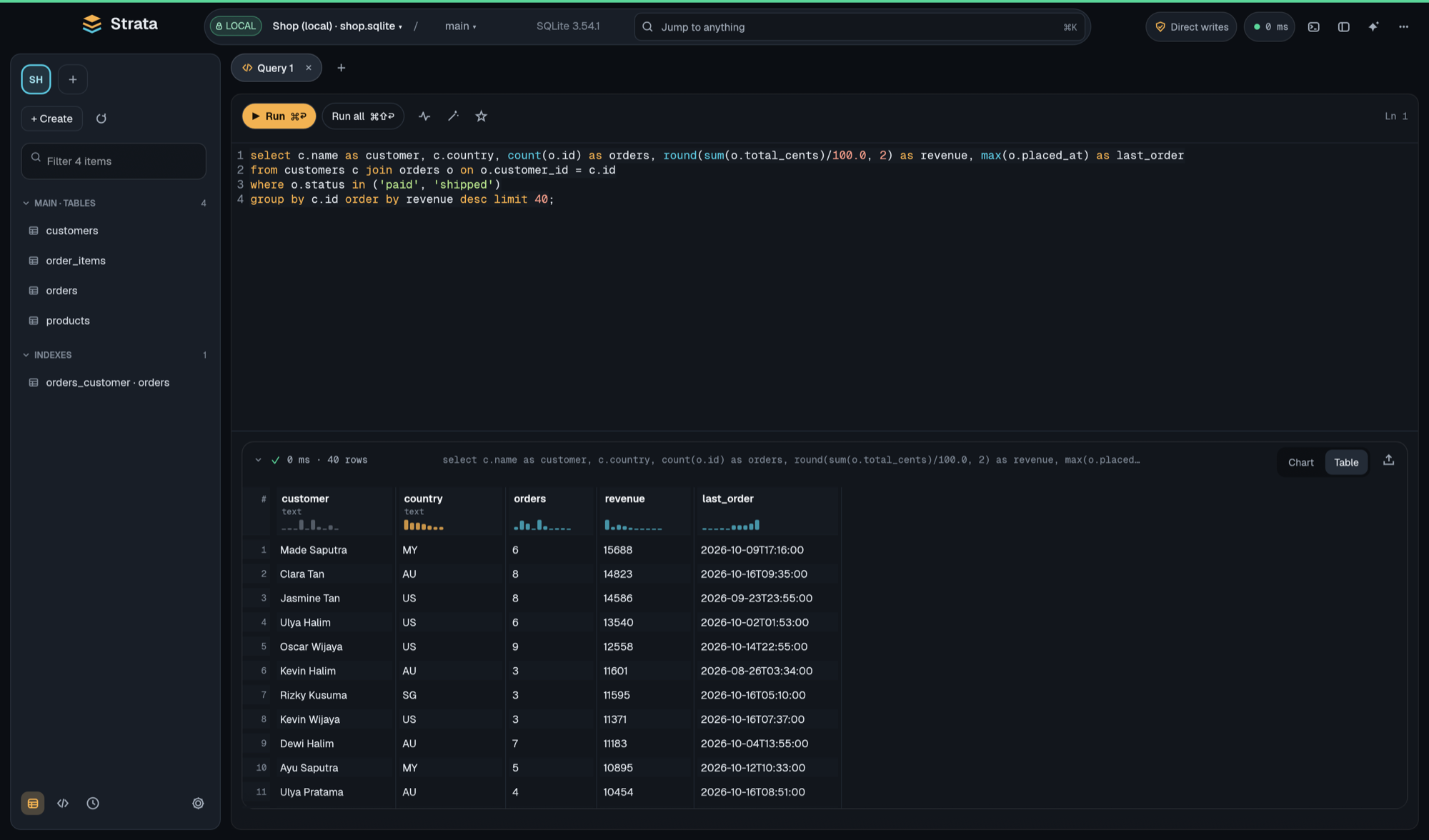
Strata workspace screenshot published in the project documentation.
View example sourceIllustrative example
Example workflow 1. List available connections and tables. 2. Inspect column names and types. 3. Confirm which columns represent order date and total. 4. Propose a read-only query before executing it.
Illustrative response outline, not a recorded run.
Illustrative examples show a possible response format. They are not recorded runs or verified results. Actual responses will vary.
Project notes
- The documented MCP server uses local stdio and read-only queries. The README does not describe a remote HTTP MCP service as implemented.
- The project README flags missing SSH host-key verification in tunnels. Review that limitation before using the tunneling feature.